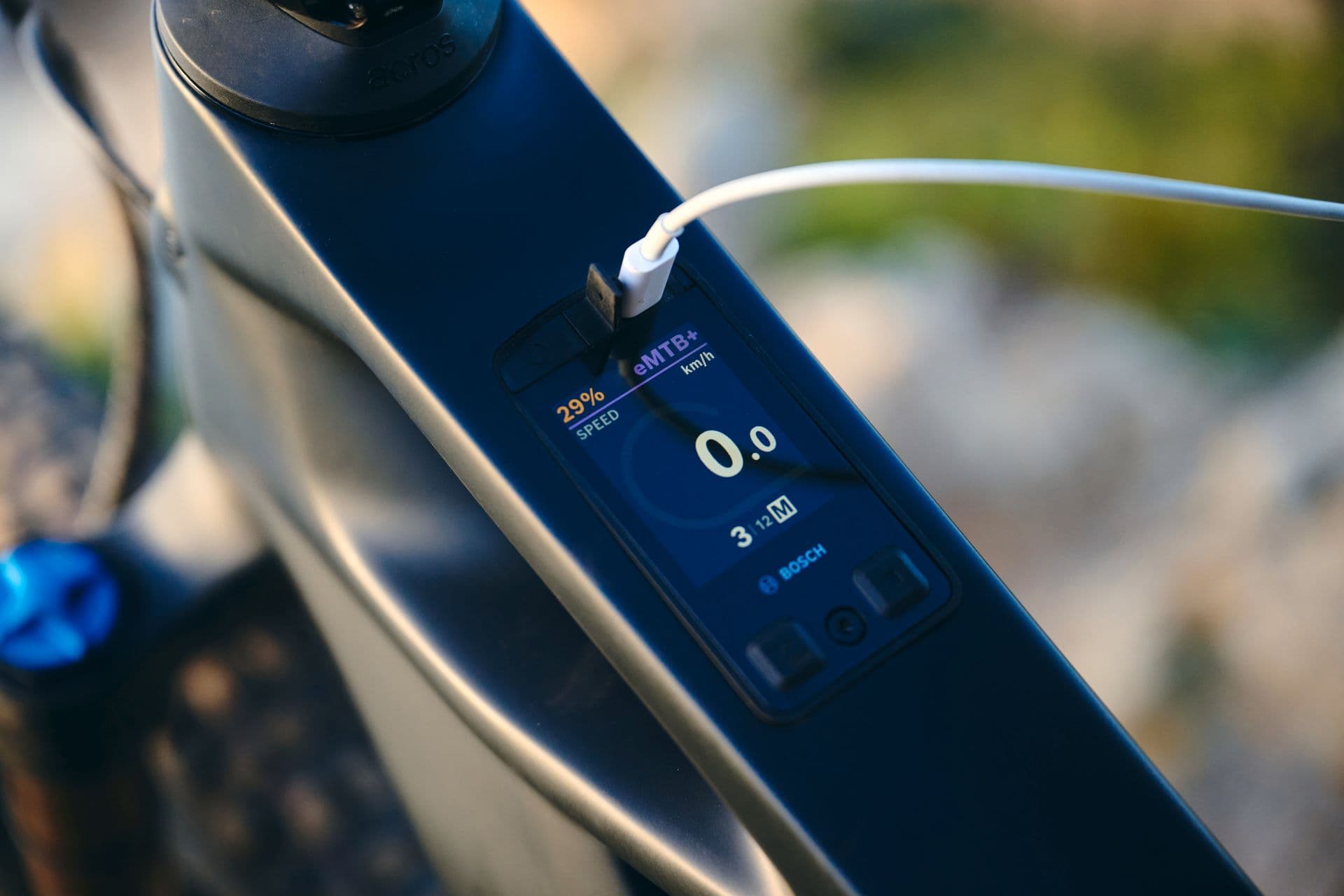
Europe switches back to winter time on the night of Saturday 24 to Sunday 25 October 2026: at 03:00 the clocks go back to 02:00. Phones adjust themselves, but the clock on an eMTB display does not always follow. Whether you need to do anything depends on your drive system – and on whether the bike is paired with its app.
The rule of thumb is simple: in autumn the time goes back one hour, in spring it goes forward one hour.
Avinox: automatic with the Ride app
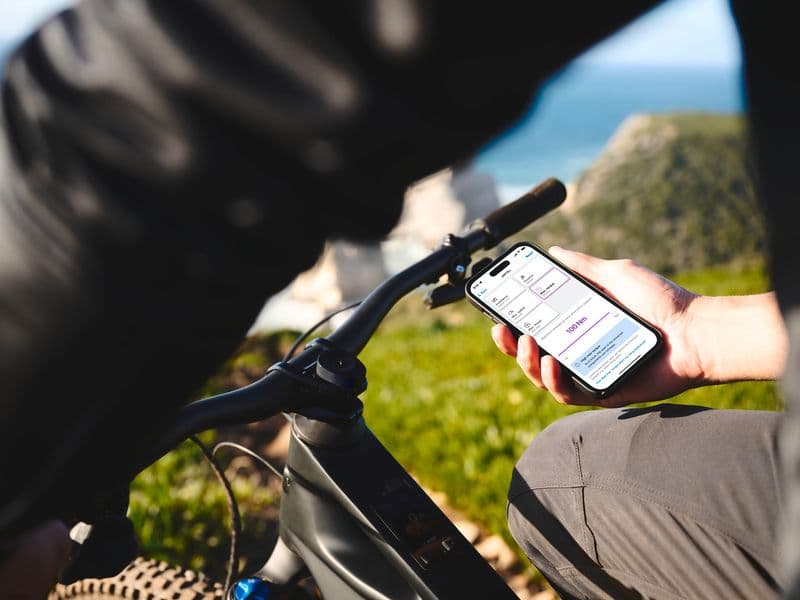
Bikes with an Avinox drive (M1, M2 or M2S with the DP100 or DP100-F display) take the local time from the phone or the network. If the bike is paired with the Avinox Ride app, the display updates once the system is switched on and connected.
If the time is still wrong:
- Open the Avinox Ride app and switch the bike on so it connects over Bluetooth – the display usually syncs within seconds.
- Otherwise swipe up on the display's start screen, open the system settings and check the time and time zone.
- If automatic time is enabled, switch it off and on again to force an update, or set the hour manually.
More on the drive: DJI Avinox motor guide.
Bosch Smart System: Kiox 300 and Kiox 400C
On Bosch Smart System displays the time is set on the bike itself – the eBike Flow app does not correct it for you.
- Kiox 300: open the status page, press the select button briefly to open the settings, then go to Settings → My Kiox → Time and adjust the hours. The same menu also lets you switch between the two time formats.
- Kiox 400C: open the status screen with the Mini Remote, hold the select button for more than two seconds to open the settings, go to the system settings and choose . Adjust hours and minutes with plus and minus, confirm and leave the menu.