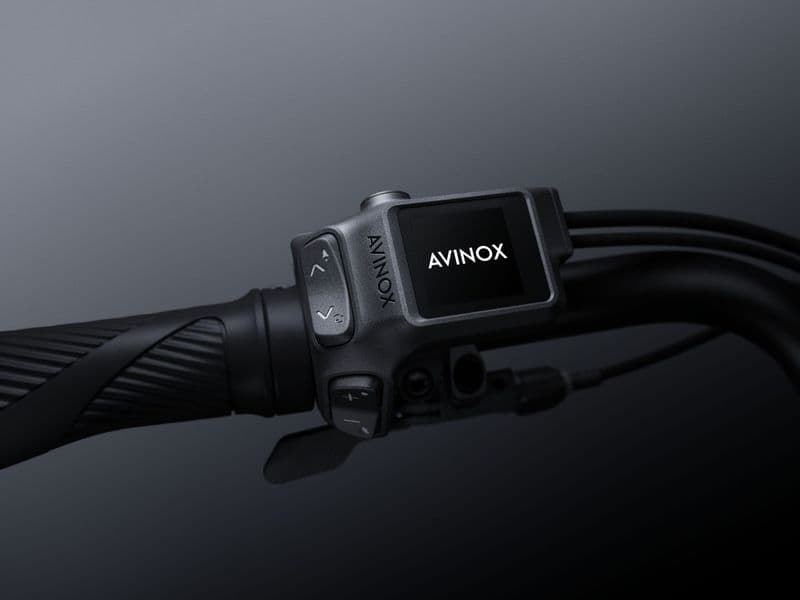

DJI's Avinox drive system is updated over the air more often than most eMTB motors: Avinox has published 17 firmware releases since September 2024. Some only fix bugs. Others changed how the bike rides, from the 1,000 W Turbo mode in May 2025 to automatic Boost on climbs in June 2026.
This guide covers how to install an Avinox firmware update, what is new in the latest version and what every release since 2024 changed. All details come from Avinox's official release notes and the drive system's user manual. For other brands, see our overview of eMTB motor firmware updates.
How to update Avinox firmware
Avinox updates are installed from the Avinox Ride app on your phone. When the phone is connected to the bike, the app shows a prompt if a new version is available. Avinox recommends always installing the latest version, and older release notes warn that the app and the bike's firmware must both be up to date, or they may not work together.
Updating an Avinox bike step by step
- 01Update the Avinox Ride app Install the latest app version. Avinox notes that the app and the bike firmware must both be current to work together.
- 02Charge the battery The user manual asks for enough battery charge before you start.
- 03Connect the phone to the bike Turn on the bike and connect via Bluetooth. If an update is available, the app shows a prompt.
- 04Keep everything still and close Don't move the bike or switch off the control display. Keep Bluetooth on and the phone near the bike, with a strong signal.